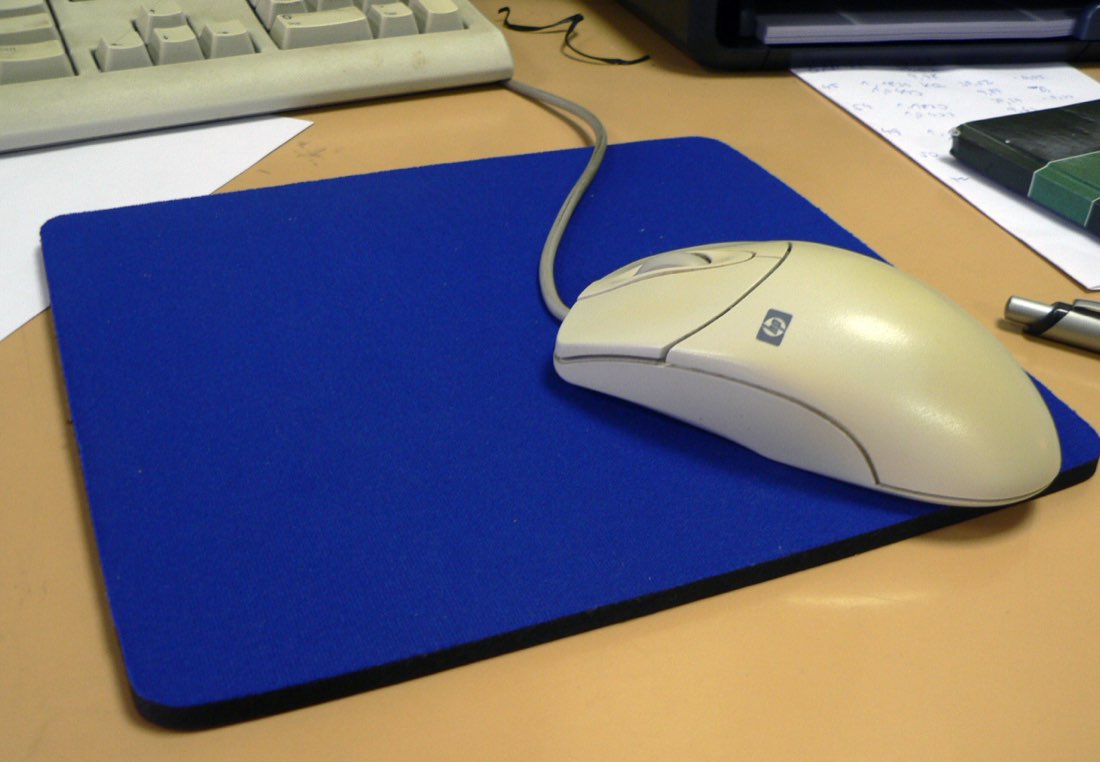
The surface under your mouse affects more than tracking. When you click fast, especially with jitter or butterfly techniques, the hand transmits small forces to the mouse. A surface with more friction holds the mouse still; a slick surface lets it drift. Choosing the right pad can make fast clicking feel noticeably more controlled.
Types of mouse pad
| Pad type | Feel | Good for |
|---|---|---|
| Cloth, control | Slower glide, more friction | Steady aim while clicking fast |
| Cloth, speed | Smoother glide | Fast large movements |
| Hard plastic or glass | Very fast, low friction | Quick flicks, less stopping power |
| Hybrid | Between cloth and hard | A mix of glide and control |
Cloth pads are the most common and forgiving. Hard pads feel fast but make it harder to keep the mouse perfectly still during vigorous clicking.
Why friction matters for click techniques
Jitter clicking creates a shaking motion that can move the mouse. Butterfly clicking applies force with two fingers in quick succession. On a slick surface, both can push the pointer off target. A control-oriented cloth pad gives the mouse a little resistance, which helps keep aim steady. On MouseTally tests, clicks only count if they land on the dial, so a steadier mouse means a higher score.
Mouse feet
The small pads on the bottom of the mouse, often called feet or skates, also affect glide. Worn or dirty feet feel scratchy and inconsistent. Replacement feet are available for many mice. Rounded edges glide more smoothly over cloth pads.
Size and placement
A larger pad gives room for arm movement and keeps the mouse on a consistent surface. Place the pad so your forearm can rest comfortably and the wrist stays roughly straight. If the pad edge digs into your wrist, move the pad or use a softer edge.
Setting up your surface
- Choose a pad that suits your games
- Place it so the forearm is supported
- Check the mouse feet are clean
- Test steadiness with fast clicking
- Adjust if the pointer drifts
Keeping pads clean
Skin oil and dust build up on pads and change their friction over time. Most cloth pads can be washed gently with mild soap and lukewarm water, then air-dried completely. Hard pads can be wiped with a damp cloth. A clean pad behaves consistently, which helps when comparing scores over time.
Surface check
- Pad lies flat without curling
- Mouse feet are clean and not chipped
- Surface is clean and dry
- Pointer stays steady during fast clicking
- Wrist is not resting on a sharp edge
Surfaces without a pad
Many mice track well on a plain desk, but the feel varies and the surface may scratch over time. Glossy or glass tables can confuse some sensors. A pad is cheap and makes tracking and glide more consistent.
Thickness and comfort
Pads range from thin hard sheets to thick cloth pads several millimetres deep. Thicker cloth pads cushion the wrist and forearm and can feel more comfortable during long sessions. They also let the mouse sink slightly when pressed, which some people dislike for precise aiming. Thin pads feel firmer and more consistent.
If your forearm rests on the pad edge, a pad with stitched or rounded edges avoids a sharp line pressing into the skin.
Humidity and seasons
Cloth pads can feel slower in humid weather and faster in dry weather, because moisture affects friction between the pad and the mouse feet. Hard pads change less. If your aim or clicking control feels different from one week to the next, the weather and a dirty pad are common reasons. A quick clean and a consistent room environment help keep the feel steady.