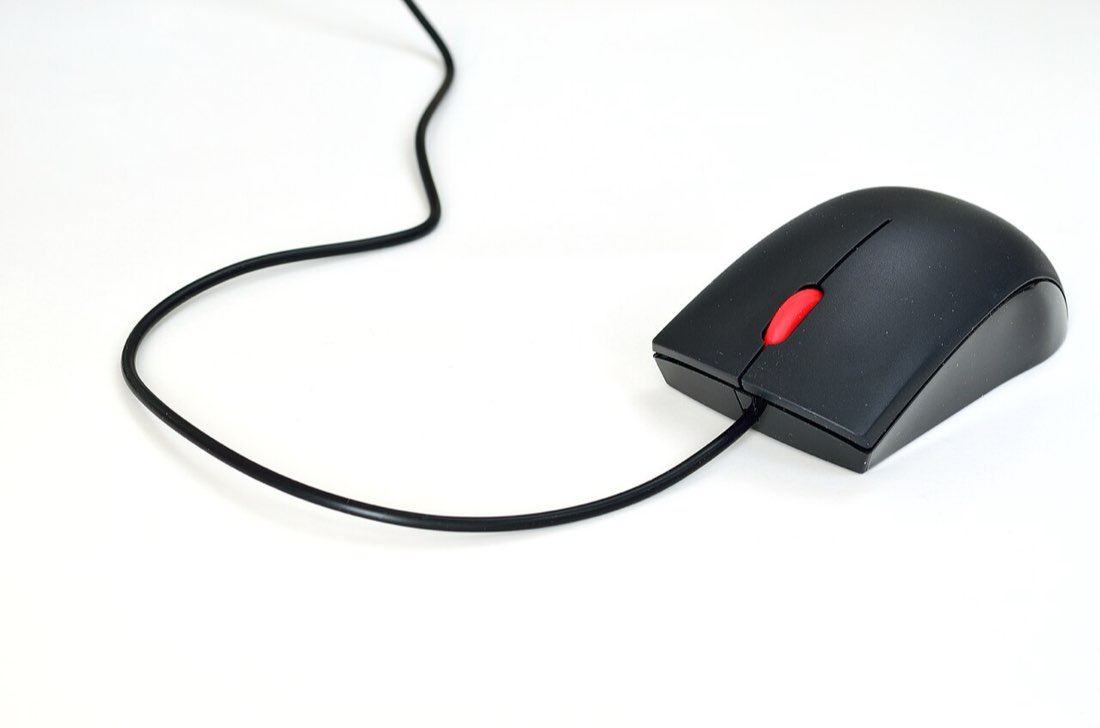
Butterfly clicking is a technique where you rest two fingers, usually the index and middle finger, on the same mouse button and tap them alternately. Because each finger only needs to click at half the overall rate, the combined speed can be much higher than one finger alone. Many people reach 15 to 20 CPS once the rhythm clicks.
How the alternation works
Picture drumming your fingers on a table, but on a single button. The index finger presses, then the middle finger, then the index again. Each finger has time to recover while the other presses. The challenge is keeping the two fingers evenly spaced so the presses do not land at the same moment, which the mouse would read as one click.
Learning the butterfly rhythm
- Place index and middle finger on the left button
- Tap them slowly in turn
- Keep the presses evenly spaced
- Gradually raise the speed
- Keep the palm still to hold aim
Why the mouse matters so much
Butterfly clicking depends heavily on the mouse. A wide, flat left button gives room for two fingers. A light, crisp switch responds well to quick taps. Most importantly, the mouse's debounce setting decides whether two presses very close together count as two clicks or one.
Some mice ignore a second press that arrives within a few milliseconds of the first, which caps butterfly speed. Others register almost every press. That is one reason two players with similar technique can see very different scores.
| Mouse feature | Effect on butterfly clicking |
|---|---|
| Wide left button | Easier to fit two fingers comfortably |
| Light switch | Less force per tap, faster rhythm |
| Short debounce | More close presses register |
| Light body | Less fatigue, but easier to move by accident |
Typical speeds
Most people who practise butterfly clicking settle between 14 and 18 CPS over ten seconds. Higher numbers are possible on mice with very short debounce. Scores often look spiky, with some presses doubling up, so it helps to judge progress by your average across several rounds rather than your best.
Rules in games and on servers
Because butterfly clicking can produce very high click rates, some game servers treat unusually high or irregular CPS as suspicious, and some explicitly ban techniques that rely on double-registering clicks. Policies vary widely, so check the rules of each server you play on. On MouseTally you can practise freely; scores never leave your browser.
Comfort and control
Butterfly clicking is generally less tense than jitter clicking, because the fingers tap rather than vibrate under strain. It can still tire the hand, especially the middle finger, which is not used to rapid work. Keep sessions short and relaxed, and stop if you feel pain.
Holding aim is the other challenge. Many players brace the mouse with the thumb and ring finger and use a mouse pad with a little more friction. Practising on the butterfly click test, where only presses on the dial count, builds that control.
Butterfly practice tips
- Start slowly and even out the rhythm
- Keep the palm still
- Use your average score to judge progress
- Rest the middle finger between sessions
- Check server rules before using it in games
A short practice routine
Begin each session with slow, even alternation for ten seconds, focusing only on the rhythm. Then do three rounds at your normal pace with a minute of rest between them. Finish with one slow round again to check that the rhythm has not become uneven. Two or three sessions a week are enough for steady progress.
Watch the tally sheet rather than individual rounds. If your average rises while the spread between your best and worst scores narrows, your rhythm is becoming more consistent.
When butterfly clicking is the wrong choice
In games where accuracy matters more than speed, the extra movement from two fingers can make aim worse. In click-heavy idle games, a relaxed regular click may be more comfortable over long periods. Butterfly clicking is a useful tool, but it is not the best choice for every situation, and many experienced players switch techniques depending on the game.
Common questions
Can I butterfly click on a laptop trackpad?
Tapping with two fingers on a trackpad often triggers a right click or scrolling instead. Butterfly clicking really needs a physical mouse button.
Why do my butterfly scores jump around?
Uneven spacing between the fingers causes some presses to merge. Slow down until the rhythm is even, then build speed again.