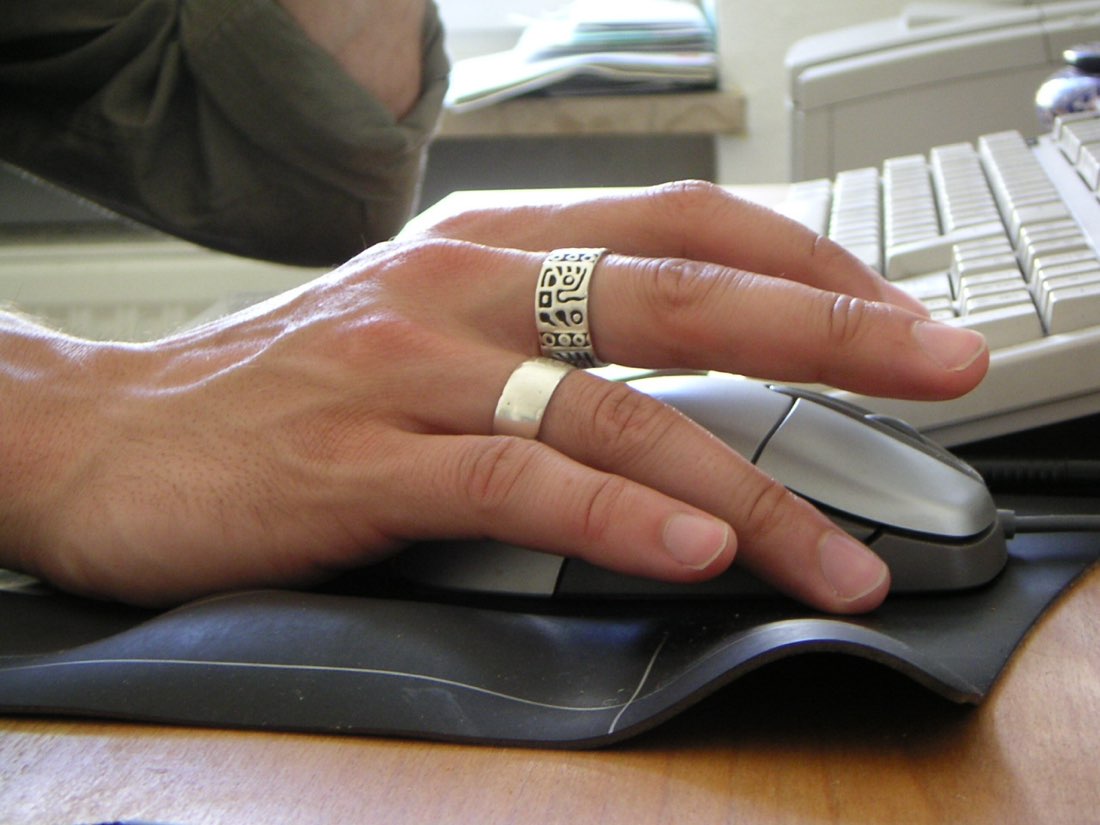
Jitter clicking is a technique where you tense the muscles of your forearm and hand so that one finger vibrates rapidly on the mouse button. Instead of lifting and pressing the finger for each click, the tension produces a fast tremor, and each small movement registers as a click. Done well, it pushes many people from the regular 6 to 8 CPS range into the low teens.
How the technique works
Normal clicking uses the small muscles that bend the finger. Each click is a deliberate press and release, and there is a limit to how quickly you can repeat that. Jitter clicking moves the work up the arm. By locking the wrist slightly and tensing the forearm, you create a shaking motion that travels into the fingertip. The finger stays in contact with the button and the vibration does the clicking.
Building a jitter click
- Rest your fingertip lightly on the button
- Lift the wrist slightly off the desk
- Tense the forearm until the hand starts to shake
- Let the shake pass into the fingertip
- Keep the pointer still with your other fingers
Typical speeds
Most people who learn jitter clicking reach 10 to 13 CPS over a ten-second round. Some reach the mid teens. The ceiling depends on how fine a tremor you can produce, how stiff your mouse button is and the mouse's debounce setting.
Keeping your aim steady
The difficulty with jitter clicking in games is that the shaking can move the pointer. Players usually rest the thumb and ring finger firmly on the sides of the mouse to anchor it, and some prefer a heavier mouse or a higher-friction mouse pad. On MouseTally the dial only counts presses that land on it, so drifting off the dial costs you clicks, which makes it a decent way to practise control.
The strain question
Jitter clicking relies on sustained tension, and that is exactly the kind of load that can irritate tendons in the forearm and wrist. Many players report soreness when they start. That is a signal to stop, not to push through.
- Keep sessions short: a few rounds of ten seconds, then a break.
- Stop at the first sign of pain, tingling or numbness.
- Do not practise every day at first; give the arm time to adapt.
- Warm up with easy movement before attempting fast rounds.
If discomfort lasts beyond a day or keeps returning, rest from the technique and consider speaking to a health professional. Our guide on hand and wrist strain covers the warning signs in more detail.
Practising efficiently
Short, focused attempts work better than long sessions. Try three ten-second rounds with a minute of rest between each, two or three times a week. Use the jitter click test and watch your tally sheet: if your scores rise while the effort feels easier, your technique is improving. If scores rise only when you tense harder, you are probably relying on force rather than rhythm.
A good jitter practice session
- Warm hands before starting
- Three rounds of ten seconds
- A minute of rest between rounds
- Stop at any pain or tingling
- Note scores on the tally sheet
Common mistakes
The most common mistake is gripping the whole mouse too tightly, which tires the hand quickly and drags the pointer around. Another is pressing down hard on the button; the finger should rest on it lightly so the vibration can do the work. Finally, many people hold their breath during a round. Breathing normally helps keep the tension controlled rather than frantic.
Jitter clicking and aim drills
Once your jitter rhythm is steady, practise keeping the pointer on a small target. On MouseTally, only clicks on the dial count, so drifting off the edge lowers your score. Start by aiming at the centre of the dial and watch where the pointer ends up after a round. If it drifts in one direction, adjust how you anchor the mouse with your thumb and ring finger.
Some players alternate jitter rounds with regular clicking rounds to keep their normal technique sharp.
Knowing when to use it
Jitter clicking is most useful in short bursts, such as brief fights in older-style PvP games or quick challenges in click games. It is less suitable for long sessions, because the tension tires the arm quickly. Many players use regular clicking most of the time and switch to jitter only for short moments where speed matters.